Design story
Composed for the full width of your setup.
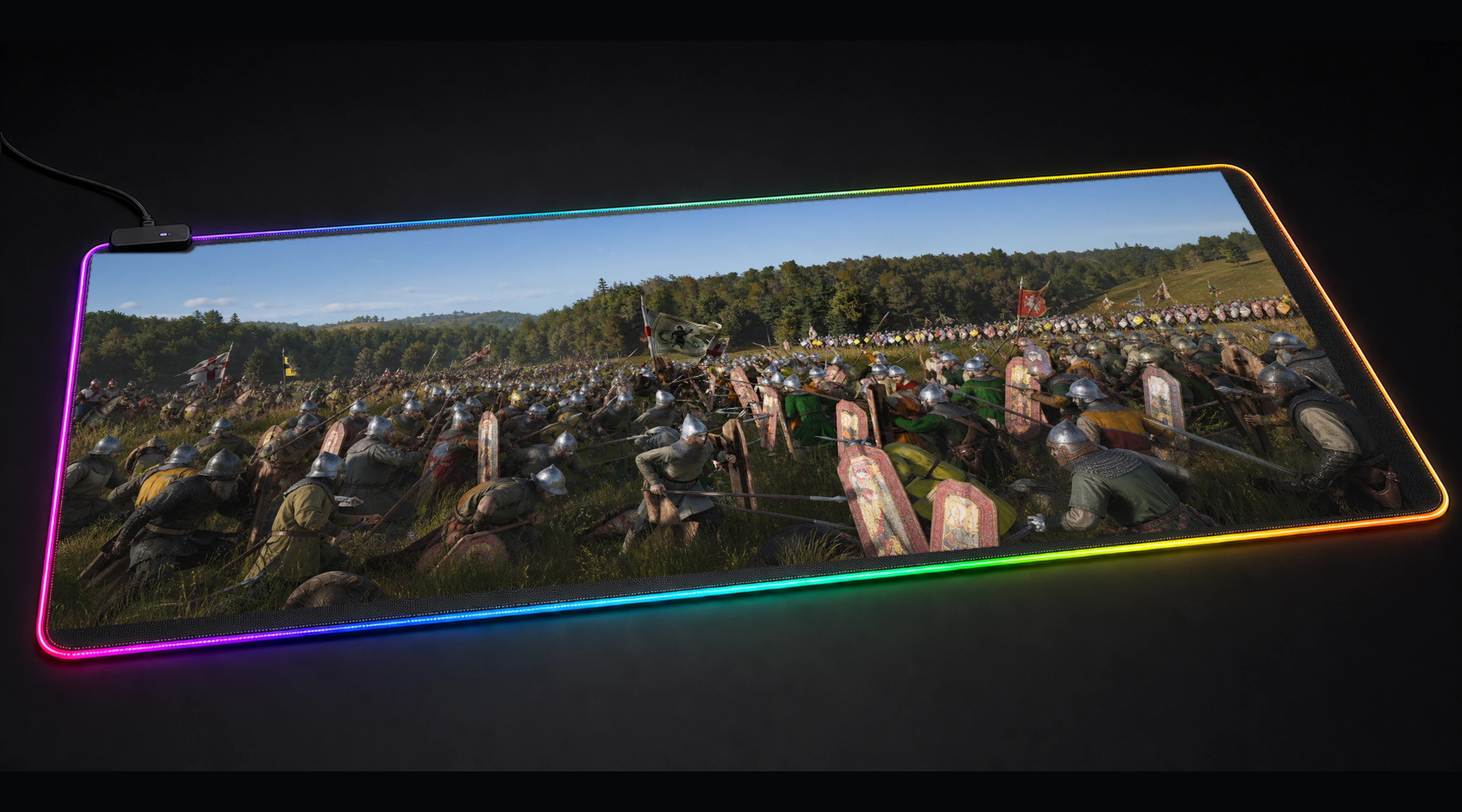
Manor Lords Game — Monochrome Checkpoint brings action & tactical imagery into a black and white panorama designed to anchor the full keyboard-and-mouse zone. A chaotic medieval battle scene unfolds in a grassy field, with a dense forest backdrop. Hundreds of soldiers, clad in chainmail and helmets, clash with swords and spears.
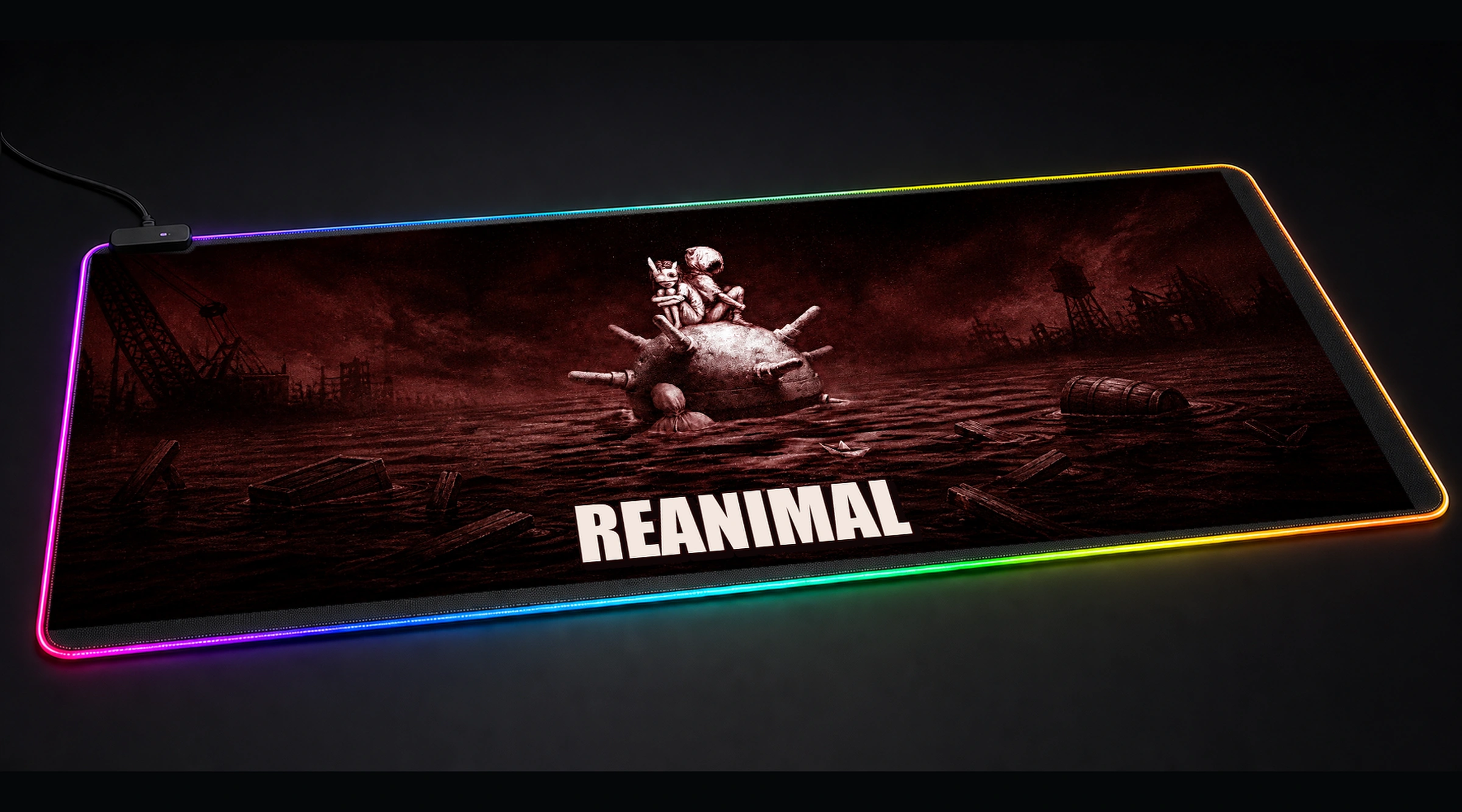
In Manor Lords Game — Monochrome Checkpoint, a black and white palette meets cinematic and fantasy styling for a cohesive setup-ready finish. The main subject is framed deliberately across all four sizes, with the surrounding competitive RGB arena mood extending naturally beneath a keyboard and mouse.
Questions, answered
Before you choose a size.
Which Manor Lords Game — Monochrome Checkpoint desk mat size should I choose?
Choose 80 × 30 cm for compact desks, 90 × 40 cm for most gaming setups, 100 × 50 cm for deeper desks, or 120 × 50 cm for the widest Manor Lords Game — Monochrome Checkpoint keyboard-and-mouse coverage.
Does the Manor Lords Game — Monochrome Checkpoint RGB desk mat include wireless charging?
No. Manor Lords Game — Monochrome Checkpoint uses USB-powered RGB edge lighting and a top-left wired controller with a physical mode button; it does not include wireless charging.
How is the Manor Lords Game — Monochrome Checkpoint artwork fitted to all four sizes?
Each Manor Lords Game — Monochrome Checkpoint size uses subject-aware panoramic framing so the main tactical action focal area remains clear while the surrounding scene is cropped proportionally for that desk size.
How do I change the RGB color on the Manor Lords Game — Monochrome Checkpoint desk mat?
Press the physical mode button on the top-left USB controller to select any of seven static RGB colors or the automatic color-cycle mode. The controller and its button are shown in the controller detail and four-size gallery images.
How should I clean the Manor Lords Game — Monochrome Checkpoint RGB desk mat?
Disconnect USB power, wipe the woven surface with a soft damp cloth, keep the controller dry and air-dry the mat completely before reconnecting it.
Reviews
There are no reviews yet.